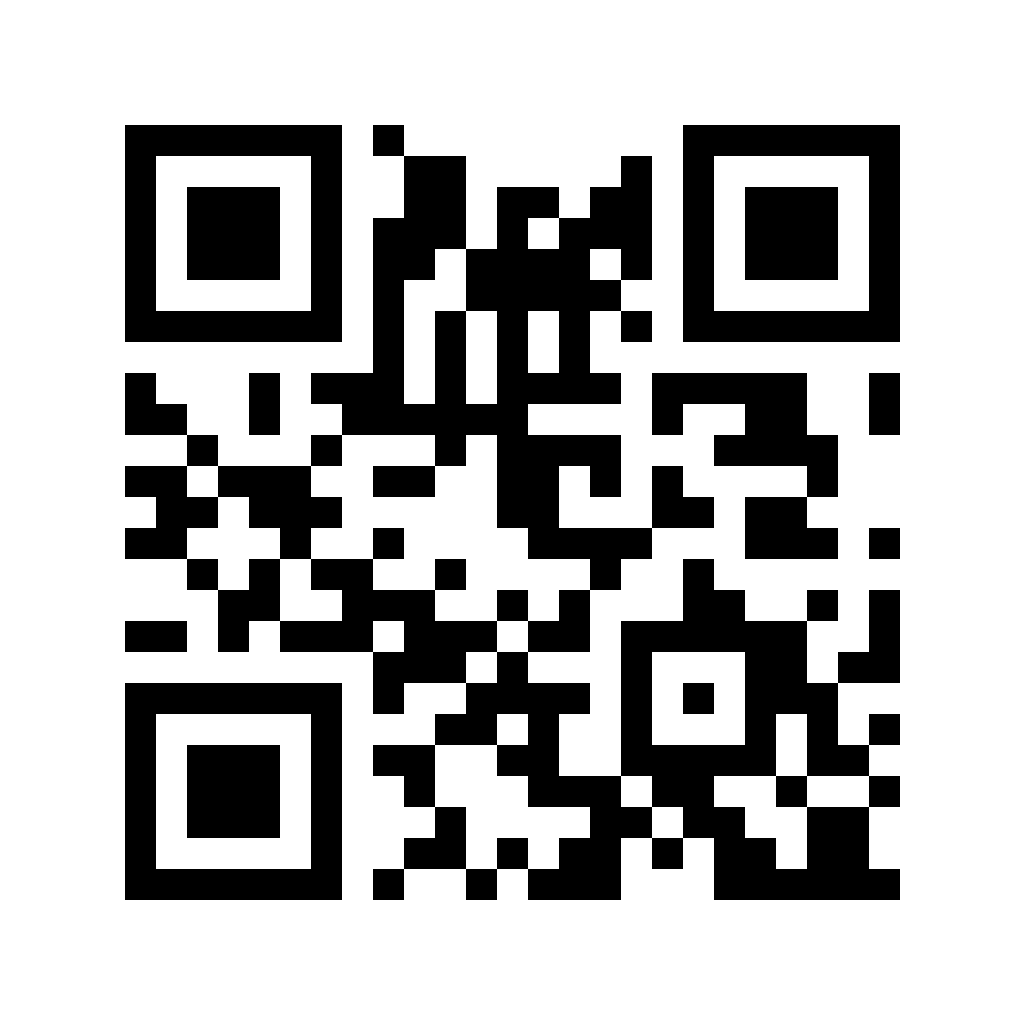
QR-Code
Generally
- Reading the machine identification
- Only via QR code or barcode
- If a magazine is stored in the machine identification, the magazine input is automatically activated
- Each magazine position is scanned and transmitted individually
- Multiple FrameID and JobID can be scanned per position
- Prefix:
- MachineID ->
MID_ - StorageID ->
SID_ - FrameID ->
FID_or leave blank - JobID ->
JID_ - ProgamID ->
PID_
- MachineID ->
Machine
- MID_{MachineSN}/{Process}/Mag{#Positions}/Prg{#Positions}
- Examples:
MID_112E001/DecoatingMID_170E001/WaschingMID_170E001/Decoating/Mag10-> Loading magazine with 10 positionsMID_112E001/Decoating/Mag10/Prg10-> Loading magazine with 10 positions and 10 available programsMID_112E002/Washing/Prg15-> 15 available programsMID_112E003/Mag5/Prg5MID_112E004/Prg50MID_112E005/Prg20/Mag15MID_112E006/Decoating/Prg100/Mag30

Processes
There are the following processes:
- FrameCleaning
- Stretching
- Coating
- Developing
- Washing
- Decoating
- Decreasing
❗
The process must be in second place in the machine identification or omitted.
FrameID
- FID_{FrameID} or {FrameID}
- Examples:
FID_112284581
JobID
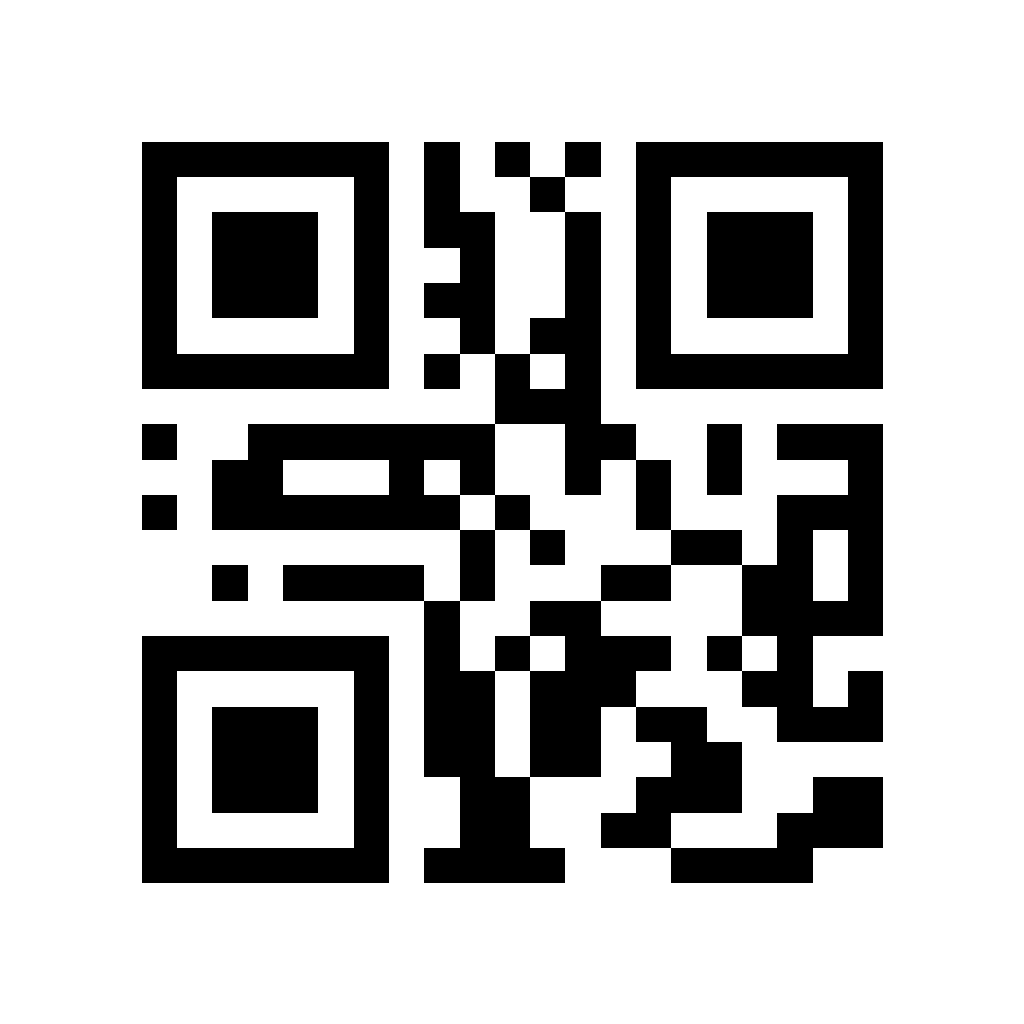
- JID_{JobID}
- Examples:
JID_2JID_52
ProgamID
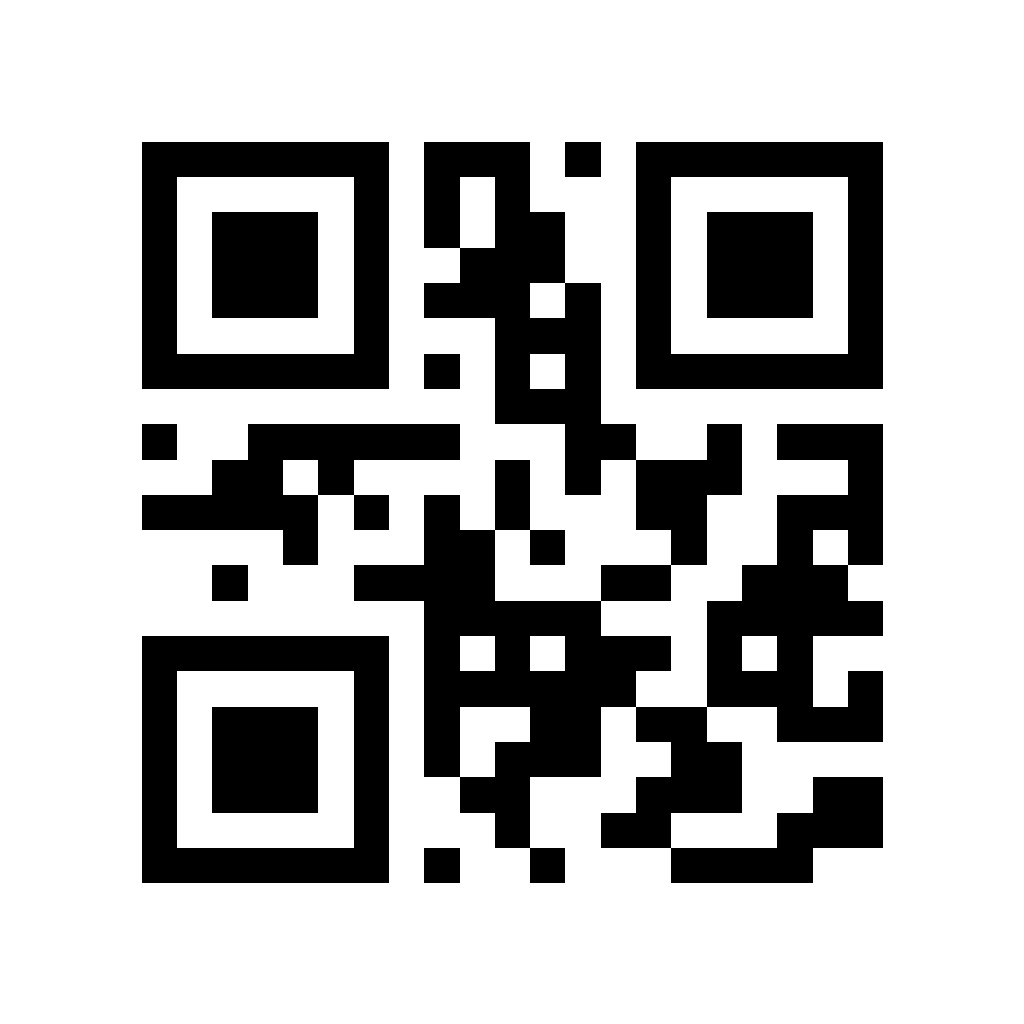
- PID_{ProgamID}
- Examples:
PID_5-> Set Program 5PID_14
- To set a program automatically

StorageID
- SID_{StorageID}
- Examples:
SID_15F5-> Set Storage location to 15F5SID_Home
- Enables the Storage Location Manager to set frames to a storage location