Measurement Page
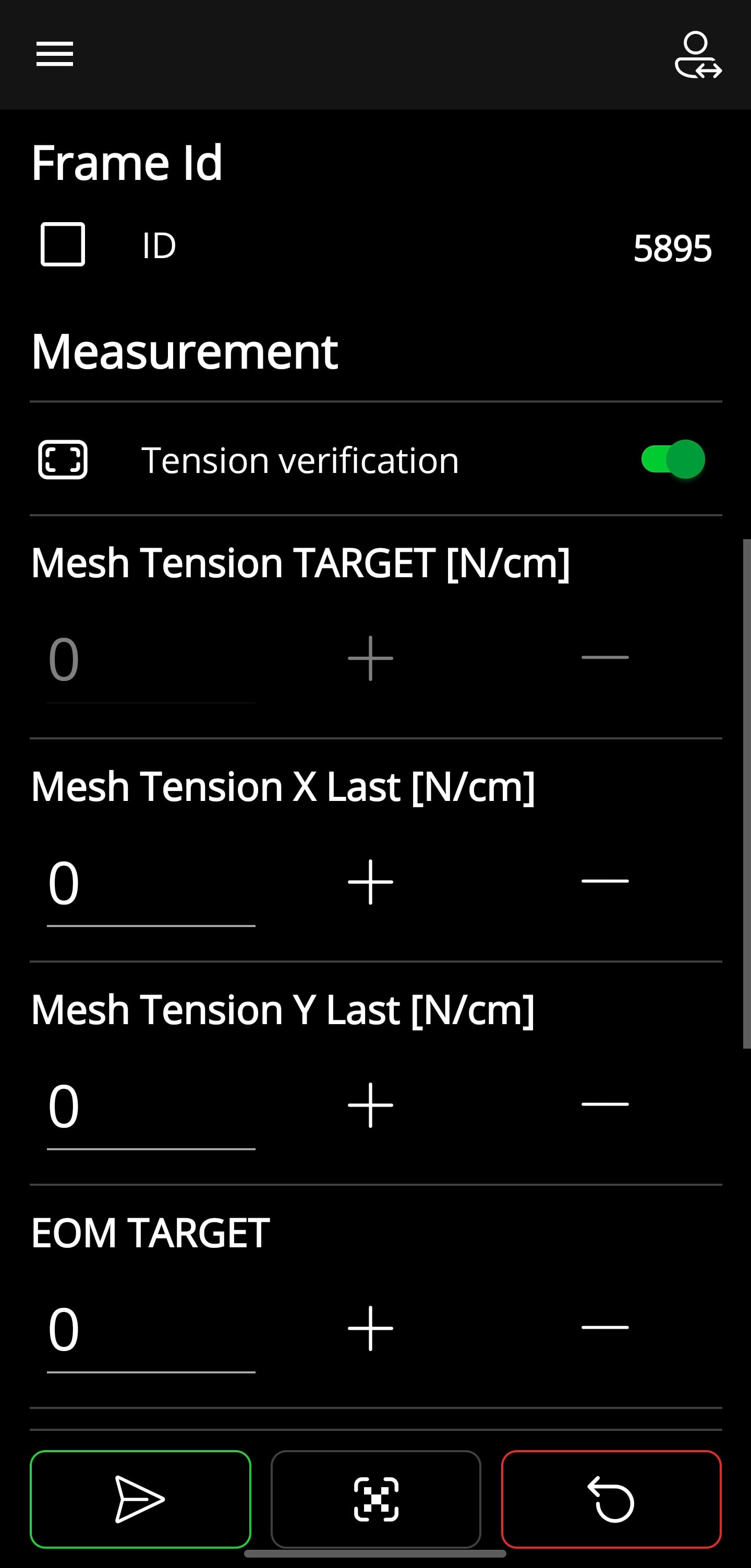
In the menu bar (bottom) you can select the different options (from left to right):
- Send data to G-Gateway
- Scan QR code or barcode
- Reset all values
On this page, you can take measurements of tension, EOM, and RZ. This data is then sent to the G-Gateway, which then processes the data in the G-FrameManager.
Measurement Process
- Scan FrameId Code
- Take and enter measurements
- Send data to G-Gateway
❗
The QR code must contain the following content (only FrameId)
💡
In the personalisation settings you can set which measurements are to be taken